Community screenings
Bring Triumph of the Heart to your community
Show the film to your parish, school or community. We provide the screening license, Militia Media Player and film download; you arrange the venue, screen and sound.
Past screenings
Hosted by parishes, schools and local groups
1,000+ hosts as of October 2026.


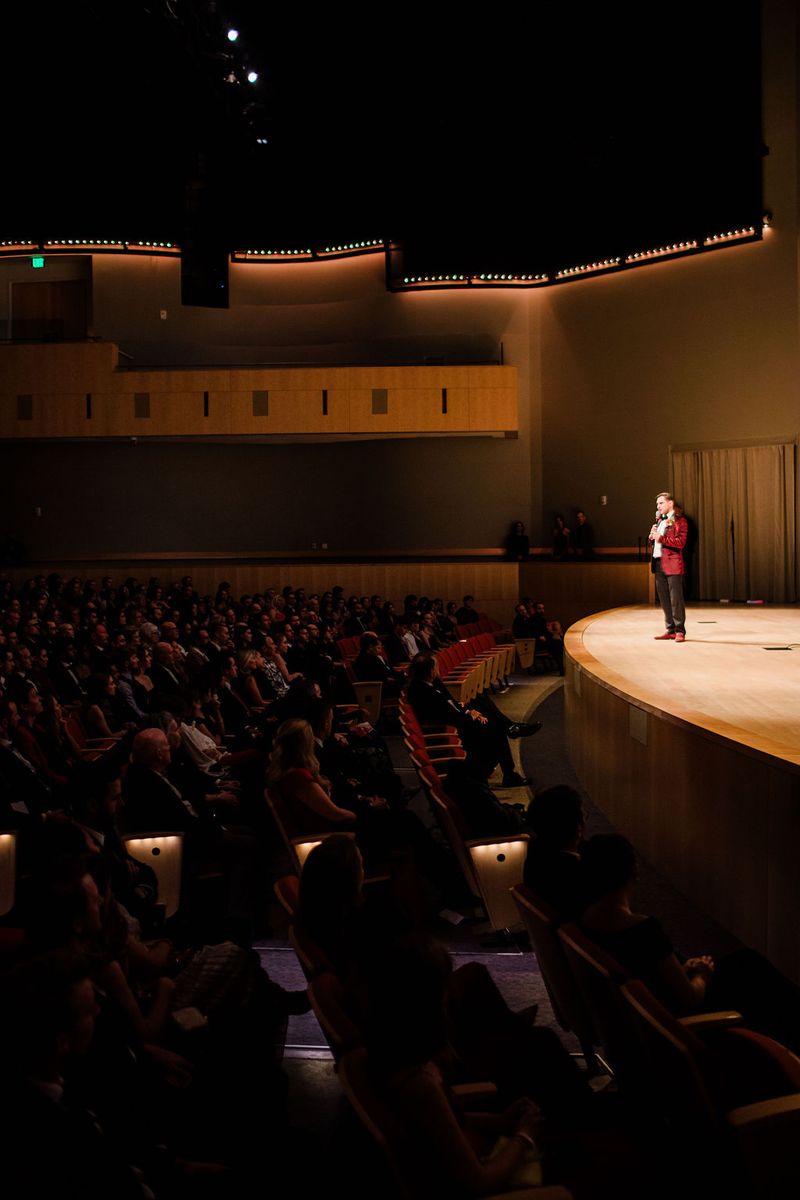











Photos from the U.S. premiere.
“Just about 200 of our parishioners were rapt by the production.”
Michael McShane, screening host“Probably one of the best movies about a saint I had ever seen.”
Fr. Angelo Casimiro, Our Lady of Peace
Scope
What the license includes
Militia Media Player + film download
Download the player and film in advance. After downloading and testing, play the film without relying on the venue’s internet connection.
Leader and small-group guides
An event leader guide, a small-group guide and a screening resource guide.
14-day Marian consecration
A printable handout for attendees.
Media toolkit
Bulletin announcements, emails, posters and social posts.
Not included: venue, ticketing platform, projection and sound equipment, technical support.
Before you book
Plan your playback
Use a laptop or desktop that supports Militia Media Player, connected to your projector or large screen and sound system. Allow internet access and enough storage for the downloads, then test the complete setup before your event.
Confirm your computer’s compatibility and player setup with screening support. For event questions, read the screening FAQ →
Process
From request to screening
- 1
Request your date
Share your organization, venue, date and audience size through the official screening page.
- 2
Confirm and pay
Confirm availability, your screening license and payment with the screening team.
- 3
Download
Download Militia Media Player and the film using the instructions supplied for your screening.
- 4
Test, then screen
Test the downloaded film with your screen and sound equipment in advance, then bring your community together.
Use the media toolkit to promote your event after your license is confirmed. See the official screening page for current terms and availability.
Host a screening
Start your screening
Arrange your screening through the official Triumph of the Heart page. Check current pricing and availability, then confirm your date and license with the team.